
Lesson Objective:
By the end of this lesson, students will know how to perform foundational flight patterns used in drone photography and videography—building confidence, control, and smooth cinematic shots.
Lesson Overview:
Even with the best drone and camera, poor flight technique leads to shaky, unusable footage. In this lesson, you’ll learn how to execute smooth and steady flight patterns that are commonly used in professional aerial photography and videography.
You’ll also learn the purpose of each pattern and how to combine movements for more dynamic results.
LESSON
Part 1: Understanding Flight Controls
Before we get airborne, a quick refresher:
- Left Stick (Throttle/Yaw):
- Up/Down = Ascend/Descend
- Left/Right = Rotate drone (yaw)
- Right Stick (Pitch/Roll):
- Up/Down = Forward/Backward
- Left/Right = Strafe Left/Right
Practice these slowly at low altitude until you can hover, rotate, and maneuver smoothly.

Part 2: Essential Flight Patterns for Photography
1. Hover & Pan
- What it is: Stay in one spot while slowly rotating (yaw) the drone.
- Use it for: Capturing panoramic or static-wide shots.
- Pro Tip: Slow down yaw speed in settings for smoother movement.
2. Fly-By / Side Slide (Lateral Tracking)
- What it is: Fly left or right while keeping the camera fixed on the subject.
- Use it for: Real estate showcases, moving vehicles, buildings.
- Pro Tip: Practice keeping altitude and distance steady.
3. Push In / Pull Out (Reveal Shot)
- What it is: Fly straight forward or backward to approach or reveal a subject.
- Use it for: Cinematic reveals, approach shots, dramatic pull-backs.
- Pro Tip: Combine with slow gimbal tilt for extra drama.
4. Orbit (Point of Interest Circle)
- What it is: Fly in a circle around your subject, keeping the camera centered.
- Use it for: 360-degree perspectives of buildings, people, or landmarks.
- Pro Tip: Use intelligent flight modes or practice manually.
5. Top-Down (Bird’s Eye View)
- What it is: Camera faces straight down while drone flies straight or hovers.
- Use it for: Artful compositions of landscapes, symmetry, or patterns.
- Pro Tip: Best done at higher altitude for larger context.
6. Crane Shot (Vertical Ascent/Descent)
- What it is: Move vertically while keeping the subject centered.
- Use it for: Revealing landscapes, elevation, or transitions.
- Pro Tip: Keep vertical motion steady—avoid jerky throttle movement.
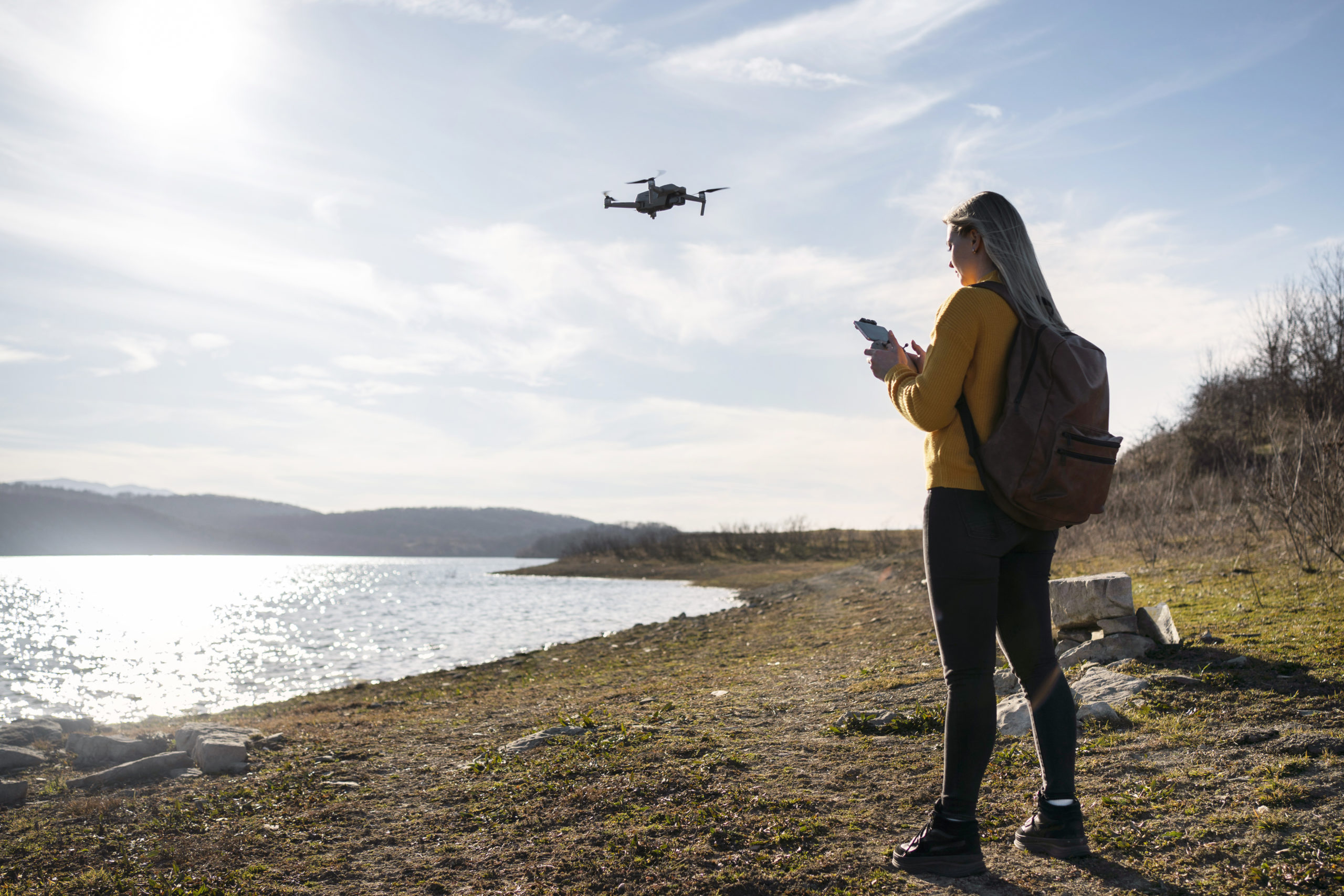
Part 3: Combining Patterns for Dynamic Video
Mixing two patterns creates fluid cinematic movement:
- Orbit + Gimbal Tilt = Dynamic parallax effect
- Push In + Yaw = Diagonal approach shot
- Top Down + Pull Back = Epic location reveal
Challenge: Try combining 2 flight patterns in one smooth sequence.

Lesson Activity: Flight Pattern Practice Log
Create a table in your flight journal or notes like this:
| Flight Pattern | Confidence Level (1–5) | Notes on Practice Session |
|---|---|---|
| Hover & Pan | ||
| Side Slide | ||
| Push In/Out | ||
| Orbit | ||
| Top-Down | ||
| Crane Shot |
Practice each pattern for 5–10 minutes and rate your comfort level.
Key Takeaways:
- Mastering basic flight patterns is the foundation of stunning drone photography.
- Smooth, controlled movement is more important than speed or complexity.
- Combine patterns creatively to elevate your footage from average to cinematic.
Comments are closed.