
Lesson Objective:
By the end of this lesson, students will understand how to properly care for their drone and fly safely—preventing crashes, reducing repair costs, and ensuring professional, incident-free operations.
Lesson Overview:
Your drone is your business partner in the sky. If you want it to perform at its best and avoid costly downtime, you need a maintenance and safety routine. In this lesson, we’ll cover pre-flight checks, in-flight safety habits, post-flight procedures, and long-term maintenance best practices.
LESSON
Part 1: Pre-Flight Checklist
Before you take off, always review these basics:
Charge all batteries (drone, controller, phone/tablet)
Inspect propellers for cracks, chips, or looseness
Clean camera lens and gimbal
Format SD card
Check for firmware updates
Calibrate compass and IMU if required
Review airspace (check for restrictions using apps like B4UFLY or AirMap)
Verify GPS lock and home point
Confirm weather conditions (wind, visibility, rain)
Pro Tip: Use a printed or app-based pre-flight checklist to avoid forgetting critical steps.
Part 2: In-Flight Safety Habits
Stay sharp in the sky with these best practices:
- Maintain line of sight at all times
- Fly below 400 feet AGL (as required by FAA in the U.S.)
- Avoid flying over people, traffic, or private property without permission
- Keep your finger near the Return-to-Home (RTH) button
- Monitor battery levels — begin return no later than 30% remaining
- Watch out for birds, power lines, and signal interference
- Keep clear of magnetic interference (metal roofs, antennas)
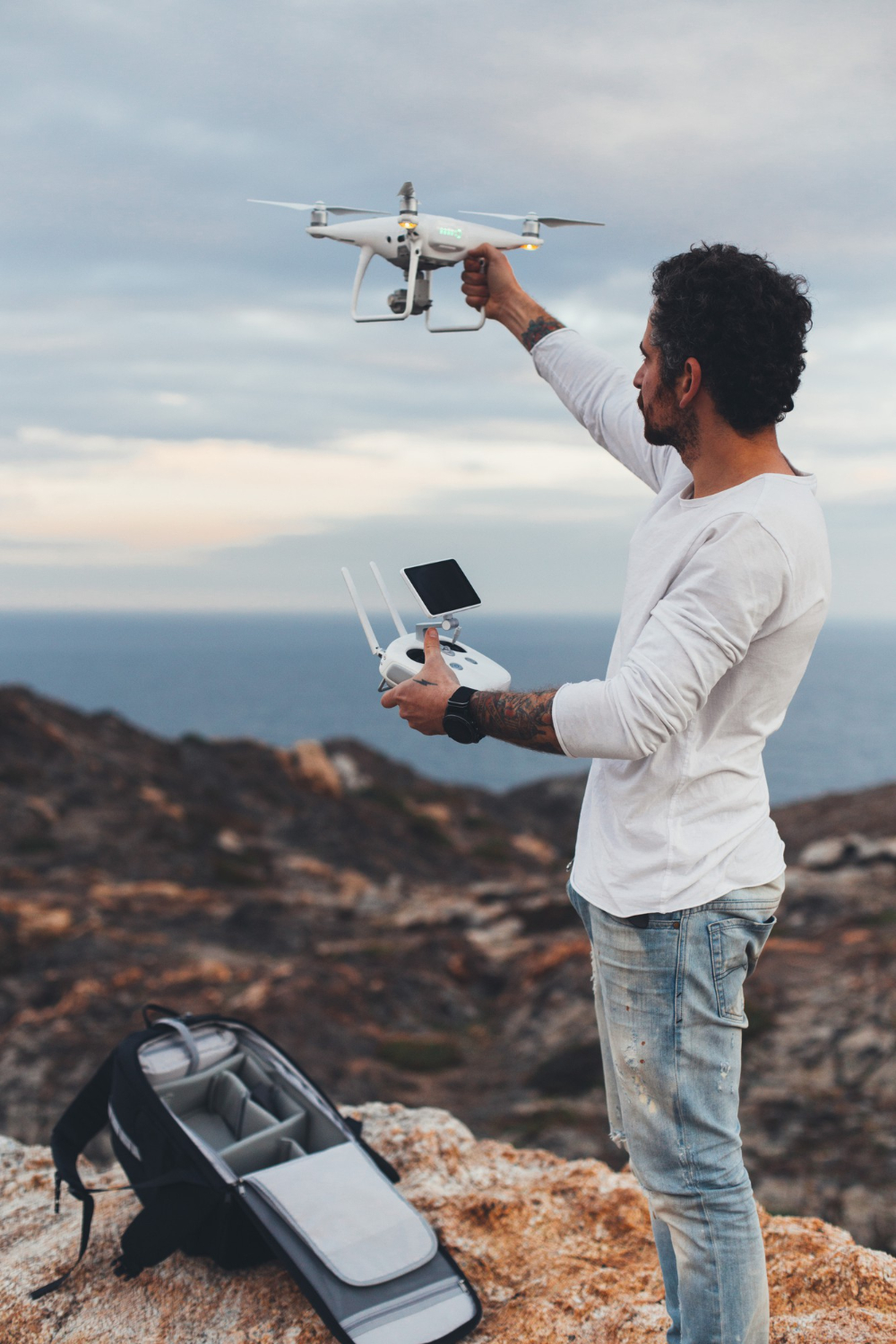
Part 3: Post-Flight Care
After every flight session:
- Power down drone and controller before removing batteries
- Let batteries cool before recharging
- Wipe down the drone to remove dust or moisture
- Check for firmware or log errors
- Store in a dry, temperature-controlled place
- Back up footage to external drive or cloud
Part 4: Routine Maintenance Tips

Regular checks = long-lasting gear. Here’s what to inspect weekly or monthly:
| Task | Frequency |
|---|---|
| Clean gimbal & camera lens | Every flight |
| Inspect propellers | Weekly or after crash/rough landing |
| Update firmware | Monthly or as released |
| Calibrate compass/IMU | As needed |
| Check motor rotation & noise | Weekly |
| Battery health & swelling | Monthly |
Battery Tip: Store LiPo batteries at 40–60% charge if unused for more than a few days to extend lifespan.
Top 5 Mistakes That Lead to Crashes or Failures
- Flying with damaged propellers
- Ignoring firmware updates
- Relying solely on obstacle avoidance
- Flying in poor weather or low light without visibility
- Pushing battery limits below safe thresholds
Lesson Activity: Build Your Pre/Post Flight Checklist
Create a checklist in your journal, phone, or preferred app that includes:
- Pre-flight prep
- In-flight safety reminders
- Post-flight care steps
Then, use this checklist for every flight session for the next 30 days.
Key Takeaways:
- Proper drone care protects your investment and reputation.
- Pre- and post-flight routines prevent accidents and ensure quality.
- Safety awareness builds confidence—and keeps you flying legally and professionally.
Comments are closed.